- Apex typically issues a 1099-NEC for traders who exceed the IRS reporting threshold; payouts are taxable income whether or not a 1099 is received.
- In most cases, Apex payouts are reported as self-employment income on Schedule C — federal income tax plus 15.3% self-employment tax on the net amount.
- Evaluation fees, reset fees, monthly subscriptions, data feeds, platform costs, education, and a portion of home office expenses are commonly deductible against Apex income.
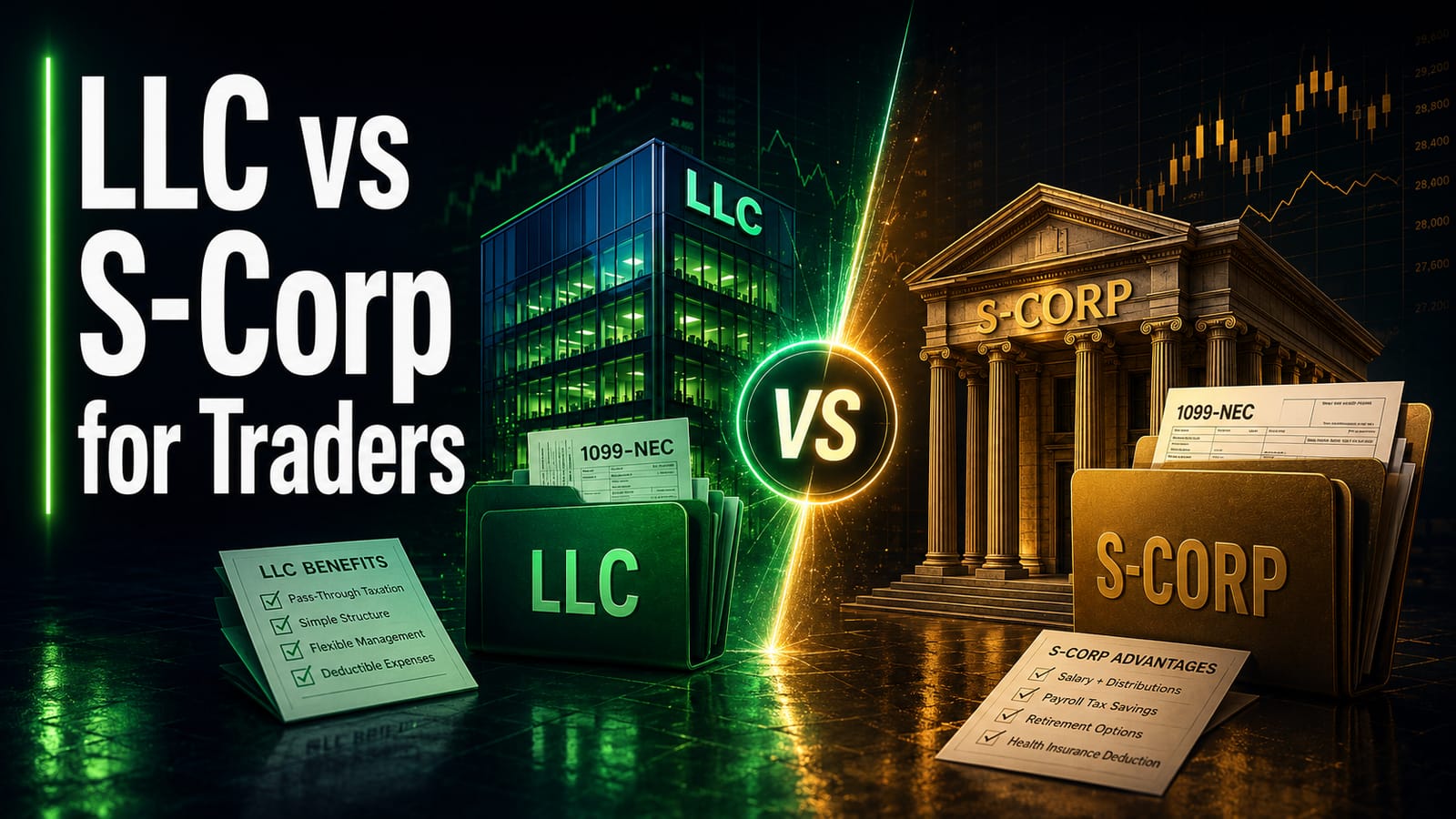
- At higher net payout levels (typically $80K+), an S-Corp election can reduce self-employment tax by $5K–$15K/year for many Apex traders.
- Every situation varies — a CPA who specializes in trader taxation can confirm what applies, including LLC / S-Corp structuring and Mark-to-Market.
The OBBBA (signed July 2025) raised the 1099-NEC reporting threshold from $600 to $2,000 starting tax year 2026 (what the form does and does not change is covered in the prop firm 1099-NEC guide). Traders with payouts under $2,000 typically will not receive a 1099 — but the income remains fully taxable on Schedule C.
Apex Trader Funding is the most popular prop firm in the futures trading space, with hundreds of thousands of traders passing evaluations and receiving funded accounts. If you've received payouts from Apex, it's worth understanding exactly how that income is typically taxed — because it's not what most traders expect.
This guide covers everything Apex traders need to know: how the IRS classifies your payouts, what forms you'll receive, what you can deduct, and how to file properly so you keep more of what you earn.
Apex payouts are NOT capital gains. They are self-employment income, subject to both income tax AND a 15.3% self-employment tax. Many Apex traders discover this the hard way when they file and owe thousands more than expected.
How Apex Payouts Are Classified by the IRS
When you trade a personal brokerage account, your profits are capital gains. But Apex is different. You are not investing your own capital — you are trading a funded account provided by Apex in exchange for a percentage of profits. The IRS classifies this as performing a service, making you an independent contractor.
This means Apex payouts are ordinary self-employment income, reported on Schedule C of your Form 1040. They are subject to:
- Federal income tax at your marginal tax rate (10%–37%)
- Self-employment tax of 15.3% on the first $184,500 of net earnings (2026 limit)
- State income tax (varies by state — some states have no income tax)
The 15.3% rate and the annual wage-base cap above it are set by the IRS, not by Apex — the current figures and the Schedule SE mechanics are published on the IRS's Self-Employment Tax (Social Security and Medicare Taxes) page. The cap adjusts every year, so it is typically worth confirming the current number there or with a CPA before relying on an estimate.
Apex issues a 1099-NEC to all US-based traders who receive $2,000 or more in payouts during the tax year. This form is sent to both you and the IRS, so there is no question about whether the income needs to be reported.
If you also trade your own personal brokerage account, those gains are capital gains (reported on Schedule D). Your Apex payouts are separate — they go on Schedule C as self-employment income. You file both if you have both types of income.
Apex-Specific Payout Structure
Understanding Apex's payout structure is important for tax planning because it determines how much income is reportable and when.
| Detail | How It Works | Tax Impact |
|---|---|---|
| Profit Split | 100% of first $25,000, then 90/10 | All payouts are taxable income |
| Payout Frequency | Twice monthly (1st and 15th) | Track each payout individually |
| Minimum Payout | $500 per request | All amounts above $0 are taxable |
| Payment Method | Direct deposit via Rithmic | Deposits appear in bank records |
| 1099 Threshold | $2,000+ in annual payouts | 1099-NEC issued to IRS |
| Multiple Accounts | Up to 20 funded accounts | All accounts combined for tax total |
If you run multiple Apex accounts simultaneously, all payouts across all accounts are combined for your total taxable income. A trader with 5 funded accounts each earning $10,000 has $50,000 in total self-employment income to report.
Where does your Apex 1099 actually come from?
Not from Apex. This is the single most useful practical fact on this page, and it is where most Apex traders lose time in January. Apex reportedly does not create, store or send 1099 forms itself — TaxBandits, a third-party e-filing provider, issues them and hosts them in its own portal.
What that means in practice:
- The notification email comes from TaxBandits, not Apex. It is reportedly sent from
support@taxbandits.comwith instructions for accessing the form. Searching your inbox for “Apex” will not find it. - Check spam and trash. A transactional email from an unfamiliar sender is exactly what a spam filter catches, and Apex’s own guidance reportedly tells traders to look there.
- The form lives at the TaxBandits online-access portal, retrievable directly if the email cannot be found.
- An incomplete or incorrect Tax ID can block access entirely. If TaxBandits could not validate your TIN, access is reportedly granted only after you respond to their request and the information checks out. A trader who ignores that request may have no form and no portal access.
Two more details worth knowing: the 1099-NEC reportedly covers both PA payouts and referral fees — so a trader who referred others has a second income stream on the same form, which is easy to overlook — and forms are reportedly issued towards the end of January for the prior year.
OBBBA raised the 1099-NEC reporting threshold from $600 to $2,000 beginning with tax year 2026. A trader whose combined PA payouts and referral fees fall under $2,000 may now receive no form where they previously would have. The income remains reportable either way — the missing form changes your records, not your liability. General mechanics on prop firm 1099-NEC taxes.
Apex’s fee structure and what it means for deductions
Apex charges in two stages rather than one, and the second stage is easy to forget at filing time. The evaluation fee comes first. Then, reportedly within seven calendar days of passing, a PA activation fee falls due — reportedly around $99 for end-of-day accounts and $79 for intraday. So the real cost of getting funded is the evaluation fee plus the activation fee, and a trader who only tracks the first is understating their deductions.
Apex reportedly removed account resets entirely with the 4.0 structure — where the legacy system offered paid resets, a trader who does not pass within the evaluation window now buys a new evaluation instead. This matters for a return because the category of the expense changes: reset fees paid under the legacy structure in earlier years are still reset fees on those years’ records, while a 4.0 trader will have multiple evaluation purchases rather than resets. The deduction analysis is similar — both are costs of the trading business — but the paperwork should describe what was actually bought. Anything on this site referring to Apex “reset fees” applies to the legacy structure.
Either way, because Apex payouts are typically self-employment income rather than capital gains, these costs come off the top and reduce both income tax and self-employment tax. Fuller treatment on prop firm evaluation fee deductions and trader tax deductions. What qualifies turns on facts, and documentation is what makes a deduction survive scrutiny.
Running multiple Apex PAs — one business, many payouts
Apex is unusual in how far it lets a trader scale sideways. Traders can reportedly run up to 20 Performance Accounts simultaneously across end-of-day, intraday and legacy types, with copy trading between a trader’s own PAs permitted. Each PA reportedly allows a maximum of six payouts, carries a $500 minimum payout regardless of account size, and must independently satisfy the 50% consistency rule — no single day’s profit exceeding half the total since that account’s last payout — before a payout can be requested.
No other firm on this roster produces quite this shape of tax year, and it has three consequences:
- Still one Schedule C. Twenty accounts is not twenty businesses. For most traders this is a single trading business with one Schedule C, and all payouts across all PAs are gross receipts of that one business. Splitting them is a common and unnecessary complication.
- But up to twenty sets of fees. A trader running the full complement has twenty evaluation purchases and twenty activation fees, not one of each — and those are exactly the records most likely to be missing in April. At scale this is frequently the largest deduction on the return.
- And potentially around a hundred payouts to reconcile. Six payouts per account across many accounts is a genuinely large transaction count. Because the 1099-NEC arrives as a single aggregate figure, the only way to check it is against a payout log kept as the year goes — per account, with dates and amounts.
The 50% consistency rule and the per-account qualifying-day requirements are not themselves tax rules, but a payout delayed or refused under one changes which tax year the income lands in. What you report is what you actually received, so keep the reason alongside the record.
Traders operating at this scale sometimes also model an entity — see LLC vs S-Corp for traders, bearing in mind an S-Corp only begins to pay for itself once the payroll-tax saving clears its own running costs.
What Apex Traders Can Deduct
This is where most Apex traders leave money on the table. As a self-employed individual, you can deduct legitimate business expenses against your Apex income, reducing your taxable income dollar-for-dollar.
Apex-Specific Deductions
- Evaluation fees — Each evaluation you purchased from Apex is generally deductible, including evaluations you failed. If you bought 10 evaluations at $167 each, that's $1,670 in deductions.
- Reset fees — Paid to reset a failed evaluation? Fully deductible.
- Monthly activation fees — Any recurring fees Apex charges for active accounts.
- Rithmic data fees — Real-time market data fees charged through the Apex platform.
General Trading Deductions
- Trading platform software — NinjaTrader, TradingView, Sierra Chart, Bookmap, etc.
- Market data subscriptions — CME data, additional exchange feeds.
- Trading education — Courses, mentorship programs, trading communities with fees.
- Home office — Dedicated trading space in your home (square footage method).
- Computer equipment — Monitors, desktops, keyboards, mouse — all deductible.
- Internet service — Business-use percentage of your internet bill.
- Professional fees — CPA, tax preparation, and bookkeeping costs.
Failed evaluations are one of the most overlooked deductions. If you spent $2,000 on Apex evaluations throughout the year — even if you failed most of them — that entire $2,000 is a deductible business expense. See our full guide: Can You Deduct Prop Firm Evaluation Fees?
Step-by-Step: Filing Your Apex Taxes
Step 1 — Gather All Apex Payouts
Log into your Apex Trader Funding dashboard and download your complete payout history for the tax year. Add up every payout you received — this is your gross income. If you have multiple funded accounts, combine all payouts across all accounts.
Step 2 — Collect Your 1099-NEC
Apex will send you a 1099-NEC by January 31 if you earned $2,000 or more. Verify the amount on the 1099 matches your payout records. If there is a discrepancy, contact Apex support before filing. The IRS receives a copy of this form, so your tax return must match.
Step 3 — Tally Your Deductions
Go through your bank and credit card statements for the year. Pull out every Apex-related expense: evaluation fees, reset fees, data fees, platform subscriptions, equipment purchases, and other trading costs. Create a spreadsheet or use accounting software to categorize each expense.
Step 4 — File Schedule C
Report your gross Apex income on Part I of Schedule C. List your business expenses in Part II. The difference (gross income minus expenses) is your net profit, which flows to your Form 1040 as ordinary income.
Step 5 — Calculate Self-Employment Tax
File Schedule SE using your net profit from Schedule C. Self-employment tax is 15.3% on 92.35% of your net earnings (the 92.35% adjustment is built into the form). You can also deduct half of your SE tax on the front page of Form 1040 as an adjustment to income.
Step 6 — Consider Entity Structure
If your net Apex income consistently exceeds $50,000–$80,000 per year, forming an LLC with S-Corp election could significantly reduce your self-employment tax. Instead of paying SE tax on all profits, you pay yourself a reasonable salary and take the rest as distributions — which are not subject to SE tax. See our full guide: LLC vs S-Corp for Traders.
Quarterly Estimated Taxes for Apex Traders
Apex does not withhold any taxes from your payouts. Unlike a W-2 job where taxes are taken out of each paycheck, you receive the full payout amount and are responsible for paying taxes yourself.
If you expect to owe $1,000 or more in taxes for the year, the IRS requires you to make quarterly estimated tax payments. For most Apex traders earning meaningful income, this applies.
Q1: April 15, 2026 · Q2: June 16, 2026 · Q3: September 15, 2026 · Q4: January 15, 2027. Miss these deadlines and the IRS charges underpayment penalties — even if you pay the full amount when you file your return.
A practical approach: set aside 30% of every Apex payout into a separate savings account earmarked for taxes. This covers federal income tax plus self-employment tax for most traders. If your state has income tax, set aside 35%.
Common Apex Tax Mistakes
- Treating Apex payouts as capital gains — This is incorrect and can trigger an IRS audit. Apex income goes on Schedule C, not Schedule D.
- Waiting for the 1099 to file — If your 1099 is late or has an error, you still must report all income. Use your own payout records as backup.
- Forgetting to deduct evaluation fees — Many Apex traders spend $1,000–$3,000 on evaluations per year. Every dollar is deductible.
- Skipping quarterly estimated payments — Results in IRS underpayment penalties on top of your tax bill.
- Mixing Apex funds with personal spending — Open a separate bank account for trading income and expenses. Makes bookkeeping and audit defense much easier.
- Not tracking payouts from multiple accounts — If you run several Apex accounts, each payout must be tracked and combined for your total income figure.
Trading Multiple Prop Firms Alongside Apex
Many active prop traders use Apex alongside TopStep, Tradeify, or other funded account firms. Each firm's payouts are combined for your total self-employment income. If you earned $20,000 from Apex and $15,000 from TopStep, you report $35,000 on Schedule C.
You may receive separate 1099s from each firm. Make sure each firm's reported amount matches your records. All deductions (evaluation fees, platform costs, etc.) from all firms are combined on a single Schedule C.
For the full breakdown of how all prop firm income is taxed — including international firms, entity structures, and multi-firm strategies — see our Complete Guide to Prop Firm Taxes.
Frequently Asked Questions
Where do I get my Apex Trader Funding 1099?
Not from Apex. Apex reportedly does not create, store or send 1099 forms itself — TaxBandits, a third-party e-filing provider, issues them and hosts them in its own portal. The notification email comes from support@taxbandits.com rather than from Apex, so searching your inbox for "Apex" will not find it, and it is worth checking spam and trash. The form can also be retrieved directly from the TaxBandits online-access portal. If your Tax ID could not be validated, access is reportedly granted only after you respond to their request.
Does the Apex 1099 include referral fees?
Reportedly yes — the 1099-NEC is described as covering both PA payouts and referral fees for US taxpayers. A trader who referred others therefore has a second income stream on the same form, which is easy to overlook when reconciling against a payout log that only tracks trading withdrawals.
Is the Apex PA activation fee tax deductible?
Apex charges in two stages: an evaluation fee, then a PA activation fee reportedly due within seven calendar days of passing — around $99 for end-of-day accounts and $79 for intraday. Both are costs of the trading business and are commonly deductible against funded trading income, which reduces income tax and self-employment tax alike. A trader who tracks only the evaluation fee is understating their deductions.
Does Apex still charge reset fees?
Apex reportedly removed account resets entirely with the 4.0 structure — a trader who does not pass within the evaluation window buys a new evaluation rather than a reset. Reset fees paid under the legacy structure in earlier years remain reset fees on those years' records. The deduction analysis is similar since both are costs of the trading business, but the paperwork should describe what was actually purchased.
How do taxes work if I run 20 Apex accounts?
For most traders 20 Performance Accounts is still one trading business and one Schedule C, with payouts across all accounts reported as gross receipts of that business — splitting them is an unnecessary complication. What does multiply is the cost side: twenty evaluation purchases and twenty activation fees rather than one of each. With up to six payouts per account the transaction count gets large, and because the 1099-NEC arrives as a single aggregate figure the only way to check it is against a per-account payout log kept during the year.
Does Apex Trader Funding send a 1099?
Yes. Apex issues a 1099-NEC to US-based traders who earn $2,000 or more in payouts during the tax year. This income is reported as self-employment income on Schedule C.
Can I deduct Apex evaluation fees on my taxes?
Yes. Apex evaluation fees, reset fees and monthly data fees are generally deductible business expenses on Schedule C once your trading business is underway — including evaluations you failed. Keep receipts for all fees paid.
How do I report Apex income if I also have a W-2 job?
Apex income is reported separately on Schedule C as self-employment income, in addition to your W-2 wages. You will owe both income tax and self-employment tax (15.3%) on your net Apex earnings.
See what your Apex Trader Funding taxes typically look like
Most Apex traders typically owe federal income tax plus 15.3% self-employment tax on their net payouts after deductible expenses. The exact number depends on the trader's bracket, state, deductions, and entity structure — every situation varies. The tools below give a ballpark; a CPA confirms what actually applies.
Or create a free account to get matched with a CPA →Apex Trader Funding runs futures funded account programs at apextraderfunding.com. We handle the tax filings for many Apex-funded traders. If you trade with Apex and want to talk through what filing typically looks like for your situation, create a free account and we'll take it from there.
Trade with multiple prop firms? Each firm structures payouts a bit differently, so the tax treatment varies. Here are the dedicated guides for the other major US futures prop firms: